
Show Selection
Part of Selecting podcast partners
Checking whether a podcast audience is in Australia
Check the source and coverage of Australian podcast audience figures, then distinguish show location data from forecast ad delivery.
undefined
Ask what share of the podcast's reported activity is Australian, naming the source, period and unit. Then ask what Australian delivery the proposed ad can support. An Australian host, production location or chart position does not establish where every recipient is.
Start with the country or region view in Apple Podcasts Connect and the Locations breakdown in Spotify for Creators. Check whether each figure covers only that platform or includes data from other listening sources.
Identify what the Australian location figure counts
Podbean is another named location source: CoHost says it offers audience data about where listeners live (CoHost). Ask the seller to state the metric, platforms and period behind any Podbean figure before comparing it with other audience data.
First determine whether the seller is reporting episode downloads, estimated distinct consumers, activity in one app or a forecast for your ad. Put the unit and denominator beside any Australian percentage, and ask which platforms and listening routes the report covers. A location share from a partial dataset cannot describe the whole show’s audience without further evidence.
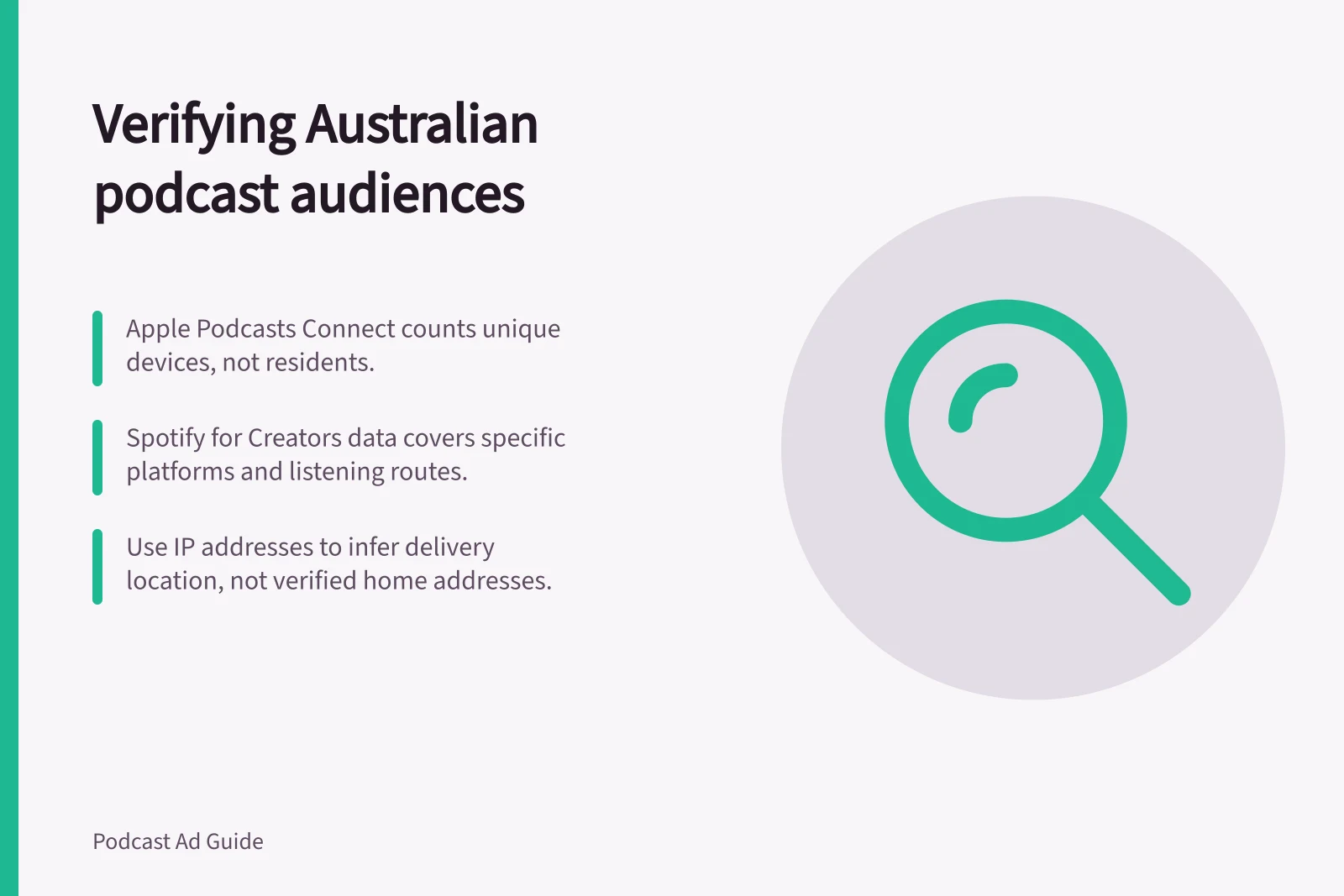
In Apple Podcasts Connect, open Trends, choose Listeners, then view by country or region. Apple’s analytics focus on aggregated listening and viewing completion rates from unique devices for each episode (Apple Podcasts). If no data appears, the selected time frame has not met the minimum of at least five unique listeners playing content from the show (Apple Podcasts).
In Spotify for Creators, inspect show-level Audience analytics and its Locations breakdown. Spotify says locations include data from Spotify and all platforms; hosted shows can also see data from other platforms where available (Spotify for Creators). Spotify audience means unique people who played any episode on Spotify during the selected period, and totals count the audience once for that period (Spotify for Creators).
Use the IAB Tech Lab Podcast Measurement Guidelines when checking download-based figures: their scope covers downloaded podcasts, whether saved for later listening or listened to while downloading, and filtered log data analysed across multiple requests can represent downloads, audience and ad delivery (IAB Tech Lab). IAB Australia’s Podcast Measurement Technical Guidelines 2.1 focus on server-side measurement and include request-filtering guidance (IAB Australia). These measurement rules do not by themselves verify a listener’s location.
Australian Audience Location Data Across Platforms
- Spotify for CreatorsUnique people who played any episode on Spotify during the period; includes data from Spotify and other platforms where available. Counts audience once per period.
- Podbean (via CoHost)Audience location data based on listener IP addresses; requires seller to specify metric, platforms and period. Not verified residence.
Match the period and inventory
Request a recent period relevant to the proposed campaign. Check that the Australian numerator and total denominator cover the same shows, episodes and dates. Ask whether the figure includes new releases, older episodes or both. One episode’s location share may be a poor guide to a later campaign across a catalogue.
If a seller combines platform figures, ask how it handles people or devices appearing in more than one source. Do not add separate platform audiences and describe the sum as unique Australians unless the method accounts for overlap.
Podtrac’s Measurement dashboard offers Apple and Spotify rankings by country, with daily data going back as far as two years for Grow Your Show subscribers (Podtrac). Treat a country ranking as a ranking signal, not as an Australian audience percentage or download count.
Key Metrics for Australian Podcast Audience Verification
- Audience definition (Spotify)
- Unique people who played an episode during selected period
- IAB PTM Guideline scope
- Covers downloaded podcasts, saved listens, and filtered log data across multiple requests
- IAB Australia Technical Guidelines
- Focus on server-side measurement and request-filtering guidance
Separate show location from ad delivery
A fixed episode can be downloaded inside and outside Australia. A dynamically inserted campaign may have geographic eligibility, but confirm the controls available for this publisher and placement. Ask for a forecast for your ad alongside the show’s historical location evidence. If the seller supplies only Apple or Spotify platform analytics, ask for server-side or campaign-delivery evidence covering other routes, such as RSS or web players, rather than treating the platform figure as the show’s total audience.
For open podcast downloads, ask whether the seller uses a request’s IP address to infer where the file was downloaded. Ask it to name its IP geolocation method and explain how VPNs, proxies, corporate networks and travellers are treated. Treat the result as a delivery-location signal, not verified residence or proof the ad played, and ask whether campaign reporting can show Australian delivery of your creative.
State the conclusion narrowly
Record the source, unit, period, included platforms and Australian figure beside the ad forecast. Set acceptable geographic fit against the campaign’s required Australian delivery rather than treating a platform-only share as a whole-show total. If the seller cannot support an Australian delivery forecast, mark geographic fit as uncertain and decide whether that uncertainty is acceptable.
Further reading: Understanding Audience analytics (support.spotify.com).